


IN THE SPOTLIGHTCOMING SOON
Neon
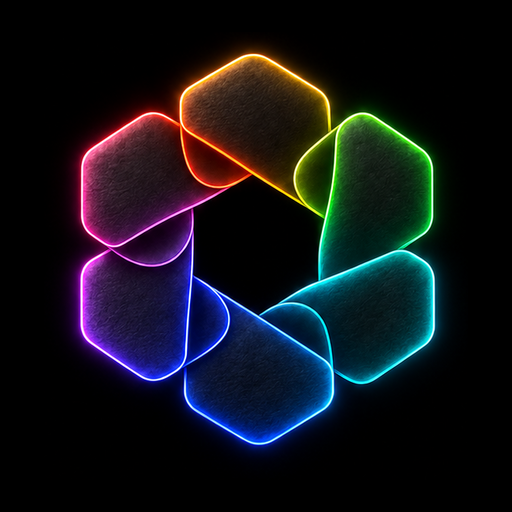
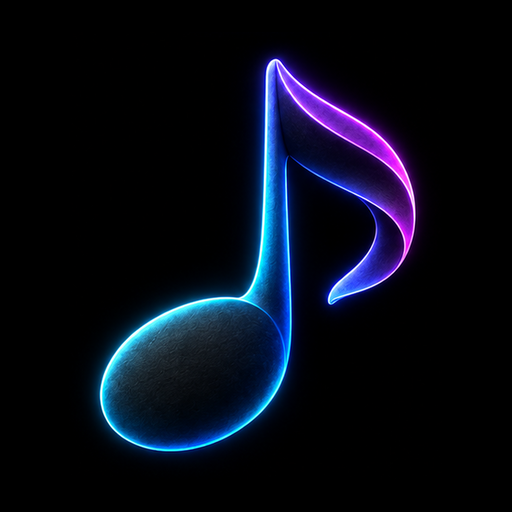
Light that follows the form. Familiar shapes become small sculptural objects, with a clean black backdrop that lets every edge come alive.
36 custom iconsMatching wallpaper
 Coming soon
A NEW ATMOSPHERE FOR YOUR IPHONE
Sculpted in shadow.
Defined by light.
Meet Neon. Deep graphite surfaces and precise electric edges, made for a Home Screen with a little more after-dark character.
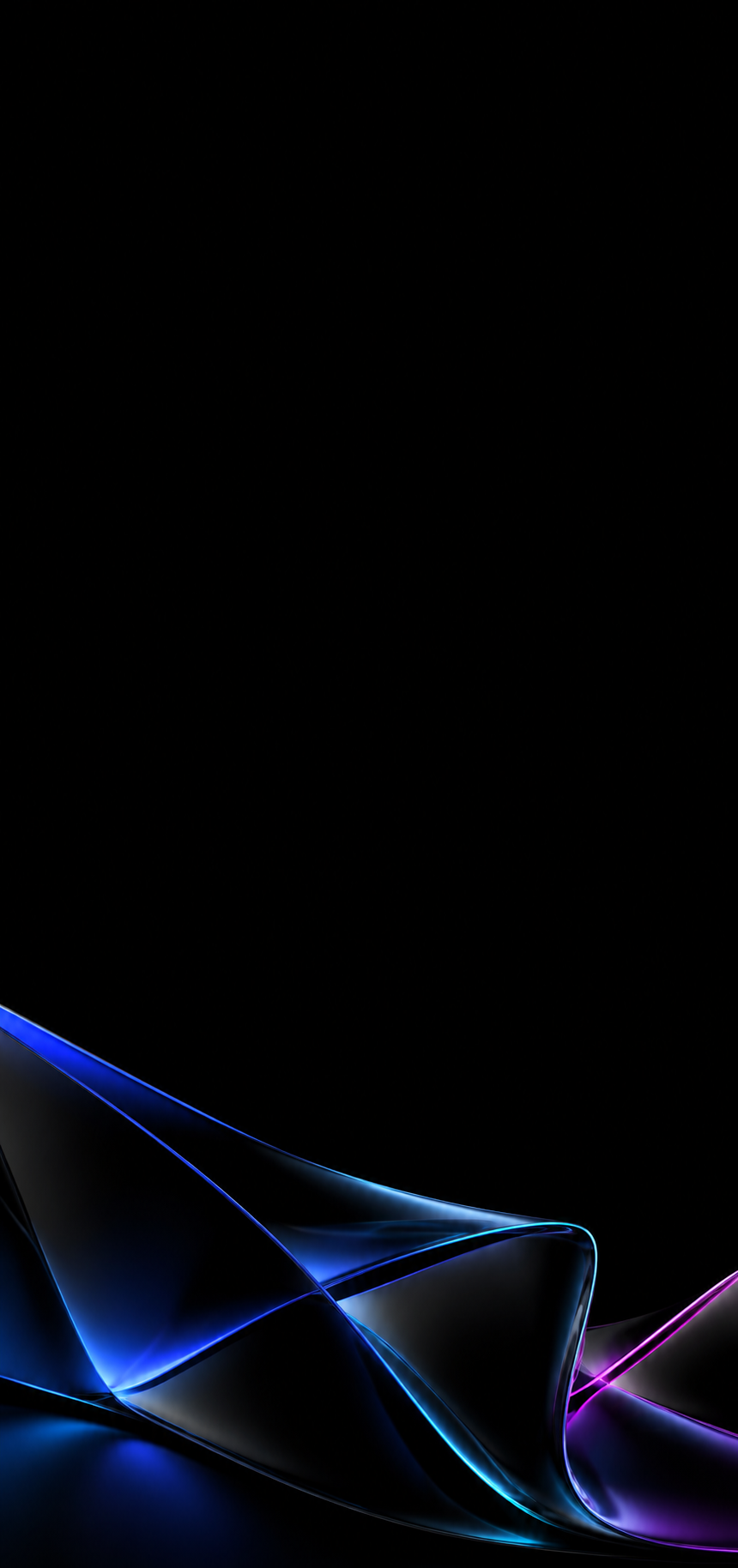
Your layout, your way. Set up one icon at a time with Apple Shortcuts.
THE COLLECTIONS
Different finishes.
The same attention to detail.
Light that follows the form. Familiar shapes become small sculptural objects, with a clean black backdrop that lets every edge come alive.
Quiet, sculpted details. A black-on-black icon collection for a clean, minimal Home Screen.
ONE EMAIL. WHEN IT’S READY.
Get an email when our Neon and Midnight Matte Black icon packs launch.
No release date yet. The collection is still taking shape.


A FIRST LOOK AT NEON
Withdraw any time with your private link or by emailing “MOODCACHE unsubscribe”.
Your email and consent record are stored privately for this one launch notification. How your information is used
YOUR INFORMATION
We collect your email, the consent wording and version, signup time, and subscription status to record your request and send one MOODCACHE launch notification. This form does not verify that you own the email address, and it does not send a confirmation or launch email automatically.
Records are held server-side using our Sites hosting service and its database infrastructure. They are not displayed publicly. Hosting providers process data to operate the service; we do not promise Canadian-only storage. This signup does not add advertising trackers or use your address for an ongoing newsletter.
You can withdraw immediately with your private withdrawal link, or contact steven@jolicre8.com. We keep a limited consent and withdrawal record to honour opt-outs and document the request. Contact us for access, correction, deletion or privacy questions. Before any launch email is sent, the list will be checked for withdrawals.
ONE APP AT A TIME
Your first custom icon, in 72 seconds.
Follow the walkthrough from a new Apple Shortcuts action to a finished Home Screen.
Manual setup, one app at a time. These static shortcut images don’t replace native app icons or show notification badges. Calendar and clock artwork stays static.
The icon packs are coming soon. Get familiar with the setup now.
A LITTLE CONTEXT
MOODCACHE creates themed iPhone icon packs and matching wallpapers. Neon and Midnight Matte Black each bring a different atmosphere to the apps you already use.
The packs are image files for manual setup with Apple Shortcuts, one app at a time. Watch the installation guide. They create Home Screen shortcuts; they don’t replace an app’s native icon. Keep your original apps installed. Shortcut icons have no notification badges, and the calendar and clock artwork stays static.
The collections are coming soon. A release date hasn’t been announced. You can request one launch email. This page is a first look; downloads and sales aren’t open here yet.

YOUR SCREEN. YOUR ATMOSPHERE.